

Payment & Security
Clear checkout for tools, hardware, and repair supplies.
HouseTool uses Shopify checkout to present the payment methods available for each order. Payment details, billing information, order review, and confirmation are handled through the checkout flow before tools and repair supplies are prepared for dispatch.
HouseTool support will not ask you to send a complete card number, security code, password, or one-time verification code by email, text message, or phone.
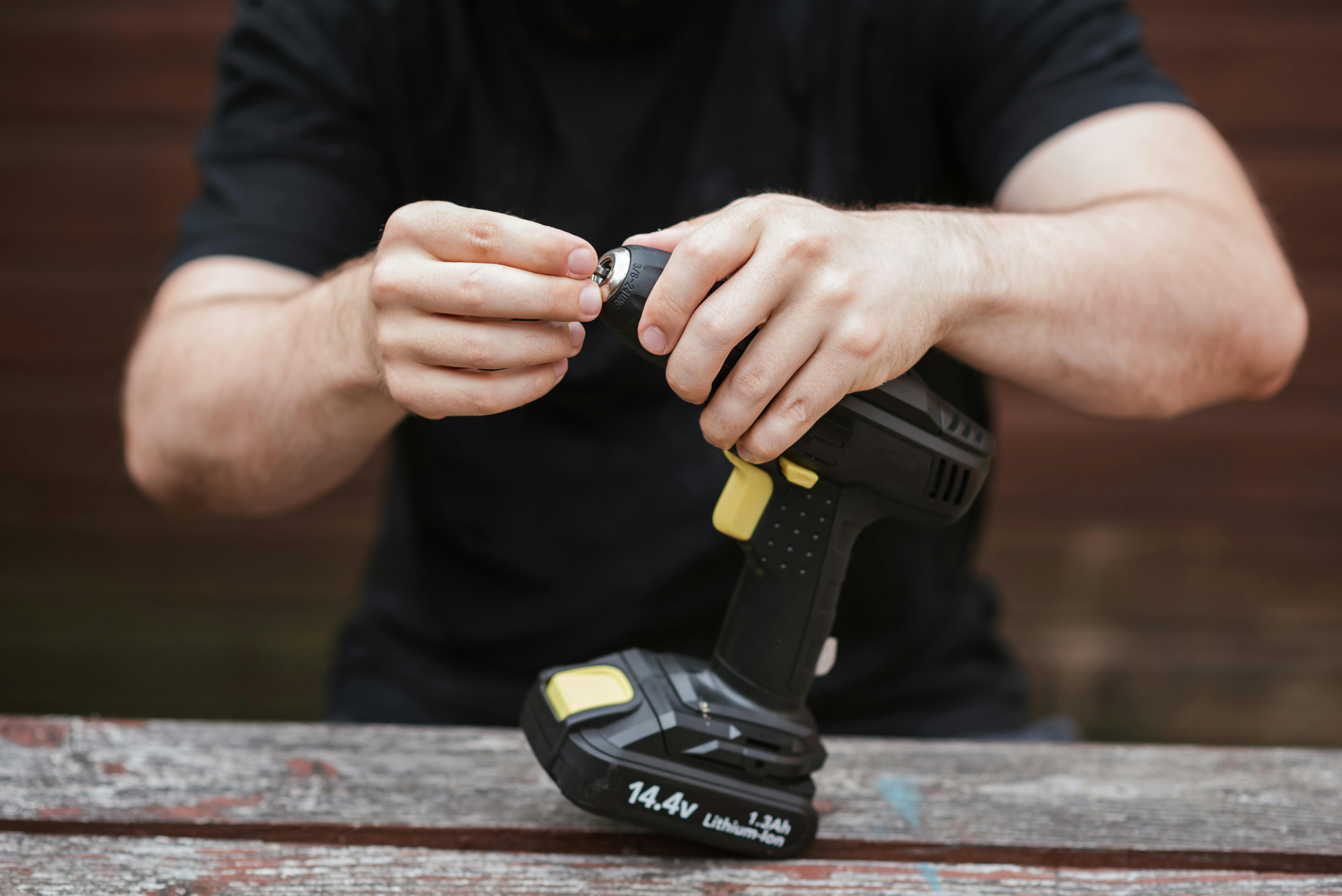

Confirm the tool specification before payment.
Check voltage, fitting, size, material, accessory standard, and quantity before completing checkout.
From project cart to confirmed order.
Review dimensions, voltage, accessory standards, quantities, and delivery details before placing the order. Accurate information helps reduce compatibility issues and payment verification delays.
Review the tool and specification
Confirm product size, model, material compatibility, fitting, voltage, battery platform, or accessory interface before checkout.
Enter billing and delivery details
Use a complete name, address, email, and phone number that can be matched to the order and used for delivery communication.
Select an available payment method
The payment choices available for the order are shown in Shopify checkout and can vary by device, location, currency, or payment provider.
Wait for order confirmation
An order is not complete until checkout confirms it. Keep the confirmation details and contact HouseTool if the page closes before a result appears.
What to expect when authorizing a HouseTool order.
The exact payment experience is determined by the method selected at checkout and the rules of the issuing bank or payment provider.
Available methods appear at checkout
HouseTool does not publish an unsupported list of payment brands. The live checkout shows the methods currently available for the order.
Use the option shown in checkoutAuthorization can appear before settlement
A bank may show a pending authorization while the payment is being processed. Timing and wording are controlled by the bank or payment provider.
Pending is not always a duplicate chargeOrder confirmation is the reference point
Use the order confirmation and order number when contacting HouseTool. A bank notice by itself does not confirm that the order was accepted.
Keep the order number available
Simple habits that help protect an order.
Payment security depends on the checkout connection, the device being used, account access, and the information shared outside checkout. Pause when a request feels unusual.
- Enter payment details only in the Shopify checkout opened from housetool.lol.
- Check that the browser address uses HTTPS before submitting payment information.
- Do not send a complete card number, security code, password, or one-time code to HouseTool support.
- Avoid checkout on shared devices or public networks when a trusted connection is available.
- Review the order total, delivery address, and product specifications before confirming payment.
Why some orders need an additional review.
A verification request is intended to clarify order details. It does not mean that the customer or payment method has done anything wrong.
Details that may trigger a check
HouseTool may pause preparation when important order information is incomplete, inconsistent, or unusual for the items being purchased.
- Billing and delivery details do not align
- Contact information is incomplete or unreachable
- Multiple payment attempts produce conflicting results
- High-value, high-quantity, or unusual tool combinations need confirmation
What support may request
Requests should focus on confirming the order without asking for sensitive payment credentials.
- Order number and purchaser name
- Confirmation of the delivery address
- Product, quantity, or project-use clarification
- A response from the email or phone associated with the order
Confirm the project details before the payment step.
A secure transaction cannot correct an incompatible tool, fitting, blade, battery, fastener, or material choice. Review the technical details first.
A secure payment starts with the correct product choice.
Before checkout, compare the tool or hardware specification with the project material, connection, dimensions, power source, and accessories already in use.
- Measure the required width, diameter, thread, drive, shank, or reach.
- Confirm voltage, battery platform, charger, and plug requirements.
- Review material compatibility for cutting, drilling, fastening, sanding, or sealing.
- Check quantity, pack size, included accessories, and protective equipment.

Do not approve a payment you did not initiate.
When a bank or payment provider sends a verification request, confirm that it matches the HouseTool order you are actively placing before approving it.
A declined, pending, or duplicated-looking payment needs context.
Contact HouseTool with the order number, purchaser name, time of the attempt, checkout result, and a description of what appeared. Do not send full card details, security codes, passwords, or one-time verification codes.
Answers for common checkout situations.
Payment status can depend on Shopify checkout, the chosen payment method, the issuing bank, and the information entered during the order.
Which payment methods does HouseTool accept?
The methods currently available for the order are displayed in Shopify checkout. Availability can vary by location, currency, device, or payment provider.
Why does my bank show a pending payment?
A payment provider or bank may place a temporary authorization while the transaction is processed. The bank controls how long a pending authorization appears and how it is described.
What should I do if checkout declined the payment?
Check the billing address, name, available funds, card status, and any bank verification prompt. Avoid repeated rapid attempts. Contact the bank or HouseTool when the reason remains unclear.
How can I tell whether the order was completed?
Use the checkout confirmation and order number as the reference. A bank alert or pending authorization alone does not confirm that HouseTool received the order.
Will HouseTool ask for my card security code?
HouseTool support will not ask you to send a complete card number, card security code, password, or one-time verification code by email, text message, or phone.
Can the delivery address differ from the billing address?
Checkout may allow different billing and delivery details. A mismatch can require additional verification, especially when order value, quantity, or product type makes confirmation necessary.
HouseTool contact and order support.
Use the contact details below for checkout questions, order confirmation issues, or payment status clarification. Never include sensitive payment credentials in a message.
HouseTool may use order contact information to clarify payment, address, product, or delivery details when verification is necessary.